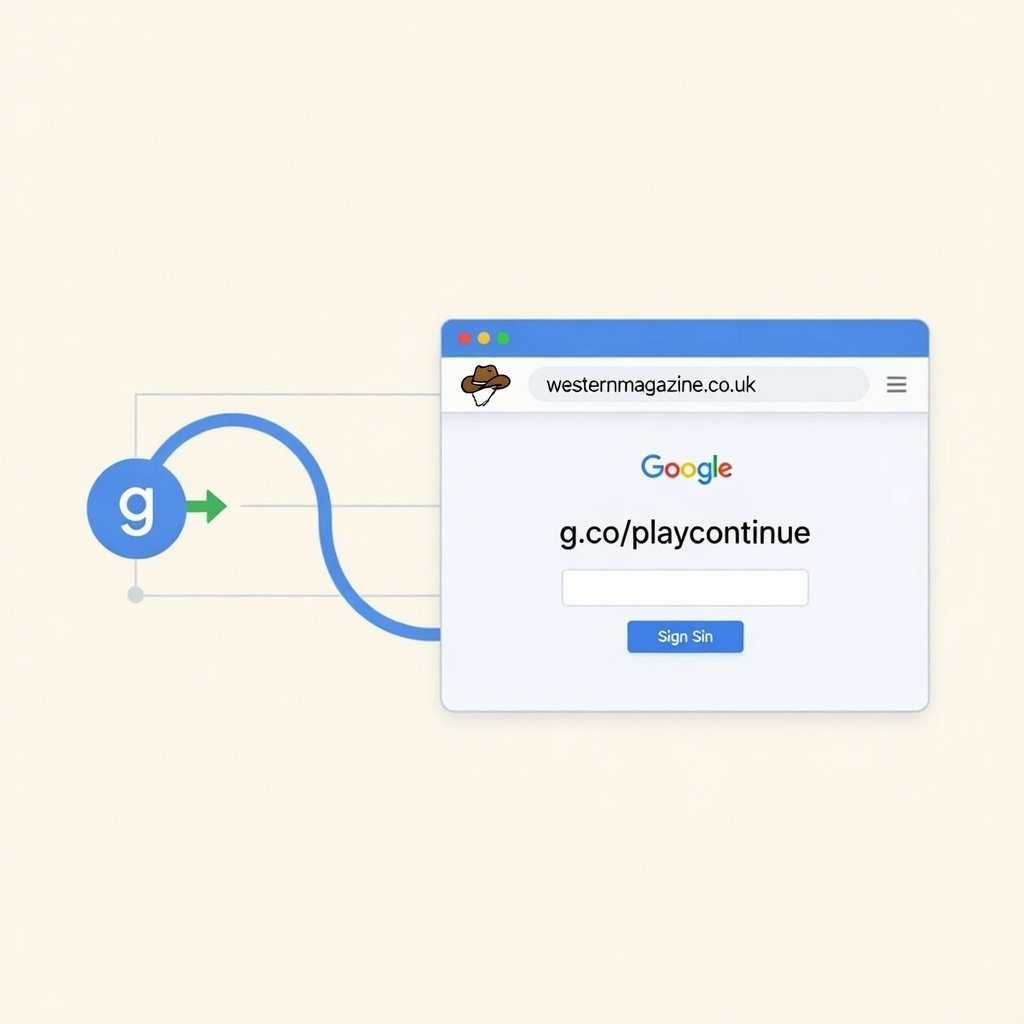
g.co/playcontinue
What Is g.co/playcontinue?
g.co/playcontinue is an official Google redirect link used to help users complete or continue actions related to Google Play. It belongs to the secure “g.co” domain, which is owned and managed exclusively by Google. Unlike public URL shorteners, this domain cannot be used by third parties, making it a trusted source within the Google ecosystem. When users are prompted to visit g.co/playcontinue, it usually means there is a pending action—such as a purchase, subscription, or download—that needs to be finalized on a different device.
The purpose of this link is to create a seamless cross-device experience. Instead of forcing users to re-start a transaction, Google allows them to continue exactly where they left off. This improves convenience while maintaining account security and payment verification standards.
Why Google Uses g.co/playcontinue
Google operates across multiple platforms including Android phones, tablets, smart TVs, Chromebooks, and web browsers. Not all devices are designed to handle complex authentication steps or payment forms efficiently. For example, entering credit card details or verifying account credentials using a TV remote can be frustrating and impractical.
To solve this issue, Google introduced continuation links like g.co/playcontinue. When a purchase or verification step cannot be completed on one device, users are redirected to finish the action on another device where input is easier and more secure. This design reduces transaction failures, prevents user frustration, and maintains secure authentication protocols across the Google Play ecosystem.
When You See g.co/playcontinue
Most users encounter g.co/playcontinue while using Android TV or Google TV devices. For instance, when subscribing to a streaming service or purchasing digital content, the television may display a message instructing the user to visit g.co/playcontinue. The user then opens the link on their phone or computer, signs into their Google account, and confirms the purchase.
It can also appear when a Google Play purchase is interrupted due to a payment verification issue, network disruption, or expired authentication session. In these cases, the link acts as a bridge to resume and complete the transaction without starting over.
How g.co/playcontinue Works Behind the Scenes
When a transaction begins on a device, Google’s servers create a temporary session associated with your Google account. If the action cannot be completed on that device, the system generates a secure continuation token. The g.co/playcontinue link references this session token.
Once the link is opened on another device and the correct Google account is authenticated, Google validates the session and completes the original request. This process ensures that purchases remain secure and tied to the correct account. It also prevents duplicate transactions and reduces the risk of fraud or payment errors.
Is g.co/playcontinue Safe?
Yes, g.co/playcontinue is completely safe when typed correctly. The g.co domain is fully controlled by Google and cannot be registered or used by external parties. The link operates under HTTPS encryption and only redirects to official Google services such as Google Play or Google Account management pages.
However, users should always verify that the URL is spelled exactly as “g.co/playcontinue.” Scam websites sometimes attempt to mimic official domains by adding extra characters or hyphens. Ensuring the correct spelling is the simplest way to avoid phishing attempts.
Common Issues Users Experience
Sometimes users visit g.co/playcontinue and see a blank page or no pending action. This usually happens when they are signed into the wrong Google account or when the continuation session has expired. Logging out and signing back in with the correct account typically resolves the issue.
Another common problem is that the purchase does not immediately activate on the original device. In such cases, restarting the app or device often refreshes the session and completes synchronization. Internet connectivity issues can also interrupt the process, so a stable connection is important.
Why It Often Appears on Smart TVs
Smart TVs and streaming devices are among the most common triggers for g.co/playcontinue. Television interfaces are optimized for viewing, not for complex data entry. Entering passwords, confirming payment methods, or completing multi-step verification processes can be difficult with limited remote controls.
By redirecting users to g.co/playcontinue, Google shifts the secure portion of the transaction to a mobile device or computer. This approach maintains usability while preserving high security standards for financial transactions.
The Role of g.co/playcontinue in Subscription Management
Subscription services purchased through Google Play sometimes require billing confirmation or payment method updates. If a payment fails or a subscription needs verification, users may be directed to g.co/playcontinue to resolve the issue.
This system helps prevent subscription cancellations due to minor billing problems. Instead of abruptly stopping service, Google gives users a secure path to update their payment information and continue uninterrupted access.
Cross-Device Continuity in the Google Ecosystem
Google’s ecosystem is designed for fluid movement between devices. A user might start watching content on a TV, manage subscriptions on a phone, and review purchase history on a laptop. g.co/playcontinue supports this continuity by linking actions across platforms.
Rather than creating separate systems for each device type, Google centralizes transaction management. This approach reduces development complexity while delivering a unified user experience.
Security Advantages of Continuation Links
Continuation links like g.co/playcontinue enhance security in several ways. They reduce the need to enter sensitive information on devices that may not have advanced security controls. They also require Google account authentication before any transaction is finalized.
Because the process is tied directly to a Google account session, it prevents unauthorized access. If someone attempts to complete a transaction without the correct login credentials, the system blocks the request.
Difference Between g.co/playcontinue and Google Play Store
The Google Play Store website allows users to browse, download, and purchase apps and digital content. In contrast, g.co/playcontinue is not a browsing tool. It is a task-specific link designed to finalize pending actions.
While both operate within the Google ecosystem, the Play Store focuses on discovery and content access, whereas g.co/playcontinue focuses on completing unfinished transactions or verification steps.
Why Nothing Happens Sometimes
If there is no active session waiting for completion, the link may appear inactive. This does not mean the link is broken. It simply means there is no pending purchase, download, or verification associated with your account at that time.
The link is functional only when triggered by a device requesting continuation. Without that trigger, it has no action to complete.
Can Non-Android Users Use It?
Yes, the link works in any modern browser, including those on iPhones and desktop computers. Even though it relates to Google Play, it functions independently of the Android operating system. As long as the correct Google account is used, the continuation process will complete successfully.
Final Thoughts on g.co/playcontinue
g.co/playcontinue is an integral part of Google’s cross-device transaction system. It allows users to start actions on one device and finish them securely on another. By centralizing authentication and payment confirmation, Google ensures both convenience and protection.
Understanding how this link works eliminates confusion when it appears unexpectedly. Rather than being suspicious or complicated, it is simply a secure bridge designed to maintain seamless continuity across the Google ecosystem.
About the Author